The Long Road to Readulator
I’ve had plenty of ideas in my life that went from epiphany to implemented in very short periods of time. Even when working on pkzip, which was C and assembly, some ideas went from ahah! to ‘in there’ in a week. There are also many software projects I’ve worked on that were long slogs for one reason or another. Readulator was never a slog, but it took forever to get to you. I’ve lived with it for 15 years.
Yes, that’s right. I’ve had this kicking around longer than a lot of people’s entire software careers. It’s not a particularly novel concept either. It was the very natural result of becoming kind of dependent on the original Instapaper. Capturing stuff to read later has been important to me forever, and over time having tts read to me grew as well.1 But it is implemented exactly the way I wanted, no nonsense attached.
At the end of the day I demand three things:
Easily capture items from the share sheet or a browser click
Grab just the text. Clean it up well because while your eyes skip over boilerplate, appeals and ads easily your ears do not. I love everyone at Ars Technica but if I have to hear your origin story at the end of an article again… no just no.
Read it back to me with my choice of voice, and in a playlist if I need.2
After Instapaper was no longer doing it for me I tried them all. There were so many attempts at this over the years. They all failed me or themselves over the years and now there’s really nobody left standing. (Ironically Instapaper soldiers on under its 3rd or 4th regime.)
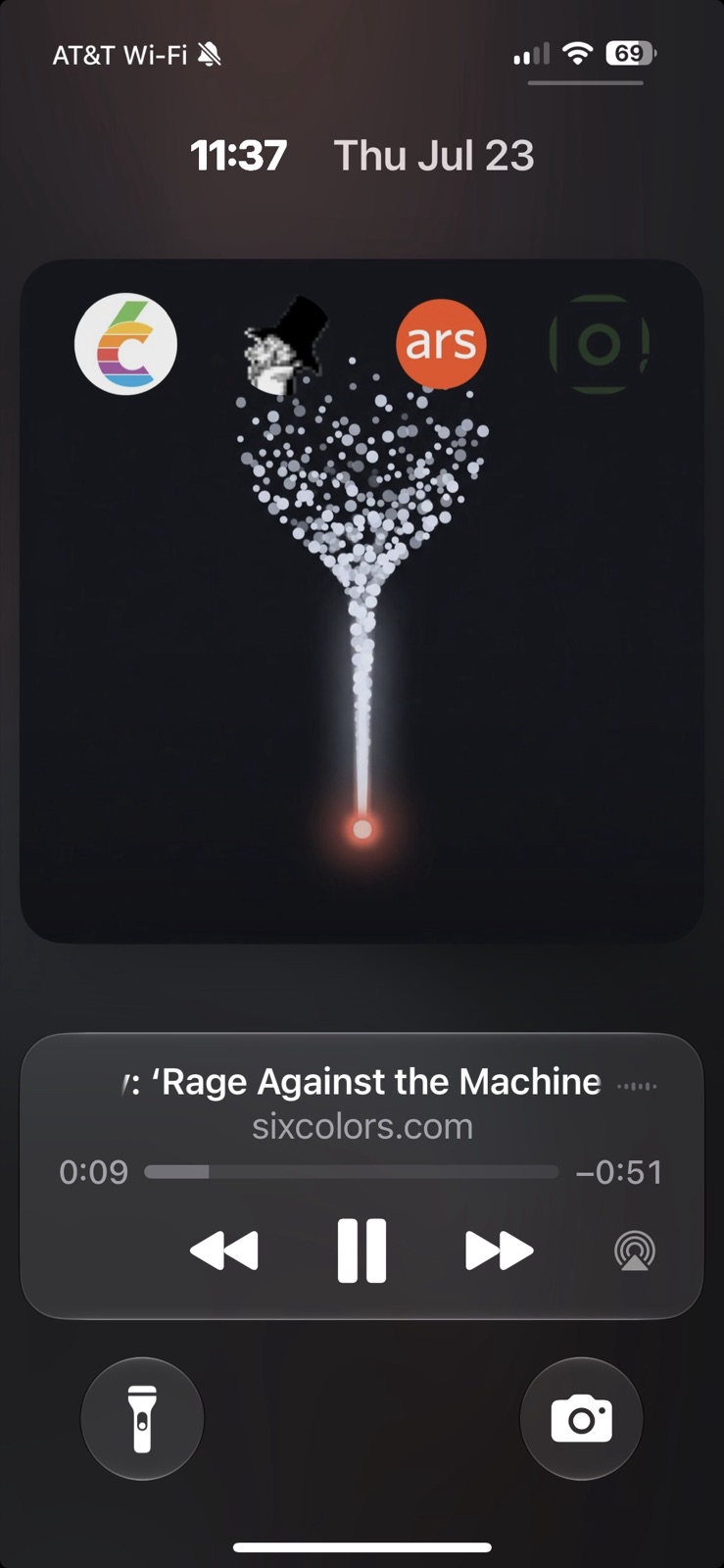
Being a dev who is used to solving problems with code, I rolled my own. Early on I obviously expected I would eventually ship it to the app store given that I came up with the name and registered readulator.com at the beginning of 2011. But the time was never right and the app was always bespoke to an audience of one. (I didn’t even hang on to that domain continuously, so I was really happy when I discovered it was still available.)
Over time it has become a swiss army knife. At points it was also a newsreader that pulled in RSS feeds on its own (and why the main list is still called Stream). I’ve pared away the bits that are just too bespoke, like filtered RSS, and I think brought it to its refined essence. Maybe some of that stuff will come back over time, but I think the scalpel approach is better than the firehose for now.
I’m making a little bit of an assumption that there are plenty of people like me; you run into interesting articles that are either time sensitive or just generally interesting, you see books/movies/shows go by and want to catch their existence to remind you later, friends recommend you read/watch a thing, try a recipe, you see something that might be a good gift for someone, and so on. Rather than have a million lists of links and ideas I just catch them all in one place.
Inspiring me to clean it up and ship it, and to do it now, finally, is the ‘new’ Siri. Now that we have an actually useful pocket AI, Apple finally, finally built a completely new assistant from scratch, threw away the old one, and powerfully leveraged all the hooks that have been built into apps for a variety of reasons over the last decade. The result is already pretty amazing, and this is the worst one they’ll ever ship.
By having Readulator be opinionated about what is current and what is archived, the things you capture can intentionally and naturally… or accidentally… be accrued into the stack of knowledge that your pocket AI has around you. My hope and expectation is that over time this will allow it to provide more intelligent and on point answers to all sorts of things you might ask it, and add guidance to the things it does on your behalf.
Even if use of the archive isn’t quite as magical as I hope it will be over time, all the front and center stuff works pretty darn great anyway. Heck just catching recipes and being able to give them back to you without ten pages of grandma stories or travelogue cruft makes me happy and probably scratches an itch for anyone who enjoys cooking.
If you’re already running the beta (and really, it’s the best beta they’ve ever shipped, better than many official fall releases) I hope you’ll give it a try. I’ve been living with this so long I probably can’t see it objectively any more so I will value perspective and feedback more than usual.

A couple things to note:
The app deliberately keeps things entirely local to your phone or iPad3
Keeping everything local means it is way faster at capture from the share sheet so it gets the hell out of your way as close to instantly as possible. Apps that take their sweet time at this annoy me to no end.
The browser extension just bounces URLs off a server using your anonymous identifier, no account, no waiting. This does mean there is no keeping a phone and pad in sync, if this is important to you convince me.
A very satisfying but not obvious set of features is consuming large piles of URLs and emitting the currently held URLs. If there is a URL, or a list of URLs, on the clipboard and you tap the clipboard icon in the top right of the Stream screen it will take it in. In the settings screen you can tap a button and have everything in your lists put into the clipboard for pasting elsewhere. An excellent use of this is to go to a tab group in Safari, long hold the name of that group (or ‘456 tabs…’) until it offers options including to copy them all, then dump them on Readulator and let it consume. Particularly great if you have a Recipes or Books tab group on your phone. Now you can delete that tab group and feel that weight off your shoulders.
Dumping the current URLs is handy during testing so you can keep your ‘work’ to date.
- Going from a lifetime of near sighted happy reading and screen viewing to having my eyes suck for close work at the age of 45 really didn't sit well with me, and it hasn't gotten better over the intervening 10 years. ↩
- I've been falling asleep to a flat text to speech voice reading a list of short items for many years. There are certain political reporters whom I adore, but who do put me to sleep incredibly effectively. ↩
- My aging 13" iPad still does everything I need it to so I don't have an M1+ version in my own hands. Feedback from people who do will be reassuring to me as I've only run it in the simulator at that size. ↩