What do we know about HomeView apps so far?
tl;dr Three weeks before it ships, Apple has given developers one sentence about HomeView, and you can fake a HomeView-sized screen in CarPlay Simulator if you have an iPhone and a cable.
Apple has told developers almost nothing about HomeView and there’s been almost nothing new since the announcement.
HomeView ships November 13th. It has no App Store, no SDK, no simulator, and no page in the Human Interface Guidelines. The developer story is still the sentence Apple added to the CarPlay Developer Guide on October 13th:
“CarPlay audio and video apps also work on Apple HomeView without requiring you to make any modifications to your app.”
So the app runs on your iPhone and HomeView shows its CarPlay screens on a 7-inch square in the kitchen. Here’s where things stand as of October 22nd, from Apple’s docs, the HIG change logs, the developer forums, and the press hands-ons.
What’s known
Only two kinds of app get in. Apps with the CarPlay audio or CarPlay video entitlement. Navigation, communication, EV charging, and the rest don’t. The license agreement adds that Apple may show your app on HomeView “while it is running on a paired iOS device.”
There’s no HomeView target. Somebody asked in Apple’s developer forums which destination to pick in Xcode. An Apple DTS engineer answered: “In Xcode, you should continue to select iPhone when configuring your app’s supported destinations.” So there’s nothing to add to the project.
Widgets are the other way in, and they’re small only. The Widgets HIG has a short HomeView section. Small widgets go on each person’s Home Screen and on a shared Modular face that holds up to four widgets from different people in the household. In a dark room the background is removed and the widget is tinted red, same as StandBy. No entitlement needed.
Seemingly nobody outside Apple (and zero launch partners? when does that happen?) has seen a third-party app on one. AppleInsider’s hands-on says the demo units “only had Apple’s stock apps installed so there wasn’t an opportunity to try any CarPlay streaming apps or widgets.”
Recipes come from the web. The cooking view takes a recipe handed off from Safari on your phone, and AppleInsider says it “doesn’t require any app or special Apple News link.” If you run a recipe site, a good web page already reaches HomeView. Recipe apps don’t, because a recipe app can’t get a CarPlay entitlement (someone asked in the forums whether a kitchen app could. No answer yet). I have a beef with this.
Seeing what it might look like
There’s no HomeView simulator, so the closest thing is CarPlay Simulator. That comes with a catch of its own. In Xcode 27, Device Hub only offers CarPlay for a real iPhone plugged in with a USB cable. The 27.2 release notes say it outright: “iOS Simulator is not supported for CarPlay.” So the phone and the cable are mandatory.
Out of the box the simulator shows one size, 800 × 480. The other sizes turn are separate configurations, and the defaults have to be duplicated in “Manage…” before you can edit them. A HomeView screen is 1088 × 1088 pixels at 220 ppi, which works out to about 126 mm on a side (and a 7-inch diagonal, so the math checks out).
The way to approximate the HomeView is to create a new custom configuration. They live in ~/Library/Containers/com.apple.dt.Devices/Data/Library/CarPlaySimulator/UserConfigs/, and I build mine on a copy of Standard Video Playback with every dimension set to 1088 × 1088:
name: HomeView
displayPanelsConfig:
  mainDisplayPanel:
    pixelDimensions: { width: 1088, height: 1088 }
videoStreamsConfig:
  mainVideoStream:
    pixelDimensions: { width: 1088, height: 1088 }
    viewAreas:
    - viewArea: { originX: 0, originY: 0, width: 1088, height: 1088 }
      safeArea: { originX: 0, originY: 0, width: 1088, height: 1088 }
accessoryConfig:
  enablesVideoPlayback: true
lunaConfig:
  videoPresetSizes:
  - name: "Full Screen"
    pixelWidth: 1088
    pixelHeight: 1088
    physicalWidth: 126
    physicalHeight: 126
    fullScreen: true
(That’s trimmed. Start from a duplicate of Standard Video Playback so the input and accessory settings come along, then change the sizes.)
I was able to view one of my existing CarPlay apps just fine at this size. It’s a driving task so it’s not relevant but certainly this is a clue.
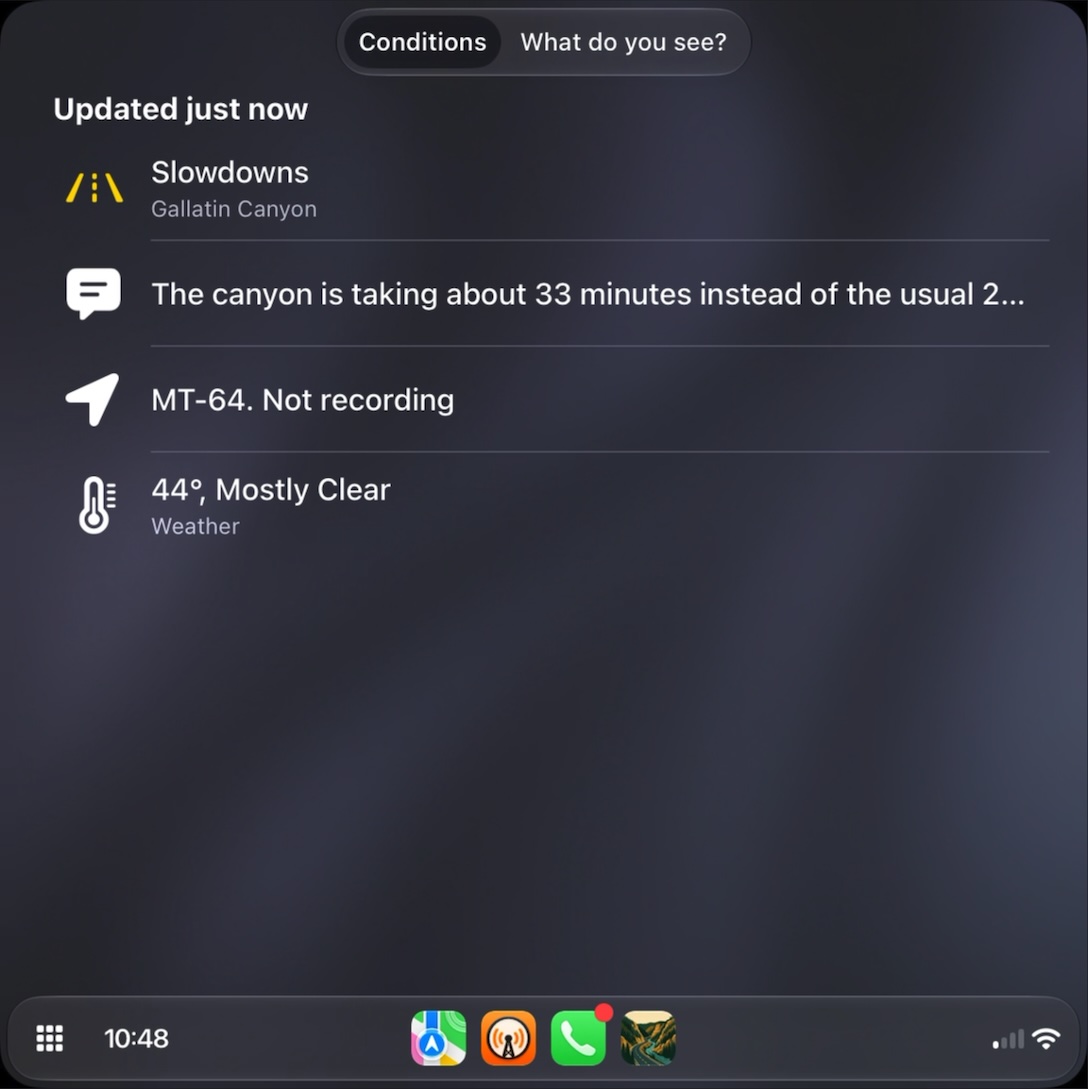
This is an approximation, and a guess at that. Apple hasn’t said what size HomeView’s CarPlay stream actually is, whether it’s square, or whether HomeView changes the templates for viewing from across a room. But it gets a lot closer than 800 × 480. If your list rows, artwork, and Now Playing look right on a square at arm’s length, that’s the best check available until November 13th.
What we don’t know
How do projected apps show up? An app drawer, icons on the Home Screen, something like the CarPlay screen? Can an app tell HomeView from a car? Does marking a widget as not for CarPlay also hide it from HomeView? What happens when the phone leaves the house, or two people’s phones are both nearby? Does any of this grow beyond audio and video?
Shrug.
Not What I Want
This doesn’t do what I want on my HomeView right now, which is recipes in MY app. I’ve got two apps that can capture recipes and format them nicely, and so that is where I keep my collection. I want to be able to show it in my preferred format which has a lot more going on than what the Safari recipe view is going to give me. It is disappointing.
With any luck this is early days and we’ll get more down the road. After all web apps used to be the only “sweet solution” we had for the iPhones.